How to make a birthday slideshow with a personalized song
Pick the song first. Match photos to the lyrics at the moments that tell the story, then fill the gaps with related pictures. Export the photos and audio as one video and play it on the party screen.
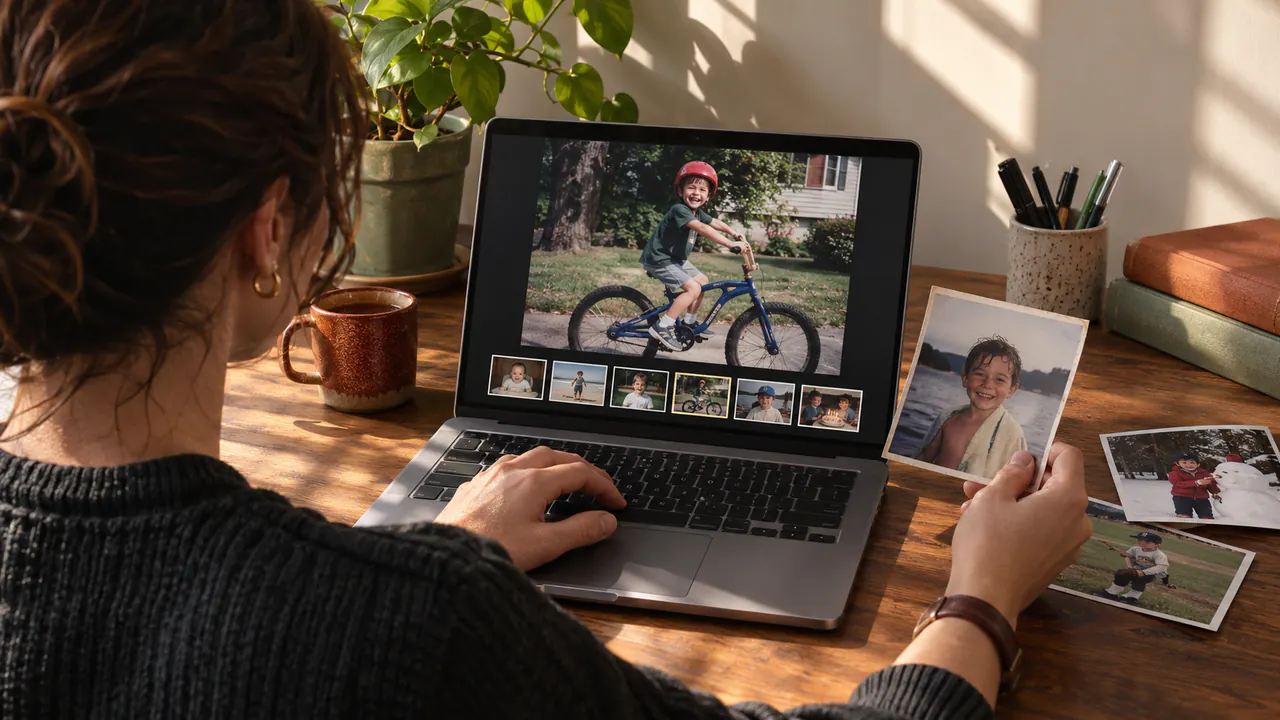
How do you match photos to a song in a birthday slideshow?
Listen for a line that describes a photo you have. Put that picture on the line and use neighboring photos to show what happened before or after it.
If the first verse mentions a red bike helmet, look for the blurry picture where they're still wearing it. The face, helmet, and driveway do more than a sharper photo from a different year. The chorus can use a wider shot that captures the feeling of the whole gift.
Start with three pictures you know you want. Add the others when they help explain who's in the shot or what changed. For a milestone birthday, you can jump from the first bike to a recent ride as long as one familiar thing carries through.
For the story behind this funk example, look for a picture of Anna riding and one of Scout waiting by the stable gate. Listen to the track and pick a line you'd hold each photo through.
Create a birthday songMark three spots in the recording before you start editing
Lay the recording under the photos in your editor. Play each change and see whether you have time to recognize a face before the next cut. When the words are doing a lot of work, hold on one photo a little longer. If you add a clip with talking, lower the music while the voice is on.
| Spot in the song | Picture to try | What to check |
|---|---|---|
| Opening | One recent picture and a short birthday message. | Leave the title up long enough to read it aloud. |
| First verse | The red helmet, then the person teaching them to ride. | Show the helmet when the lyric mentions it. |
| Last chorus | A recent bike ride, followed by a picture of the two people together. | Let the last photo stay up through the end of the line. |
Give the finished file one test on the party screen
Check the end of the video and the first few seconds of sound. Look for captions that are too small, photos cut off at the sides, or a quiet track you can't hear across the room. Keep a copy of the exported video on the device that will play it if you're relying on venue Wi-Fi.
For a private share, check the file or link on a phone. Give the person a copy they can come back to and choose an opening photo you'd be comfortable showing on a small screen.

Check before you press play
Read the opening and closing captions out loud.
Make sure the song starts, plays, and ends in the exported file.
Test the video on the actual phone, TV, or projector.
Frequently asked questions
How many photos should I use in a birthday slideshow?
Pick three anchor photos first, then add the images the story needs. The right number depends on the length of the recording and how long people need to recognize each picture.
Should the pictures change on every beat?
Change the picture when it helps the story or makes a lyric clearer. A single photo can stay up for more than one beat, especially if it includes several people.
Can I play the slides and the song from separate devices?
You can, but an exported video with the song already attached keeps the pictures and words in sync when you press play.