8 last-minute digital gifts you can send by text or email
If you have five minutes, text a voice note with one shared memory. For a gift they can redeem, choose an e-gift card from a place they already use and check the seller's delivery estimate before paying.
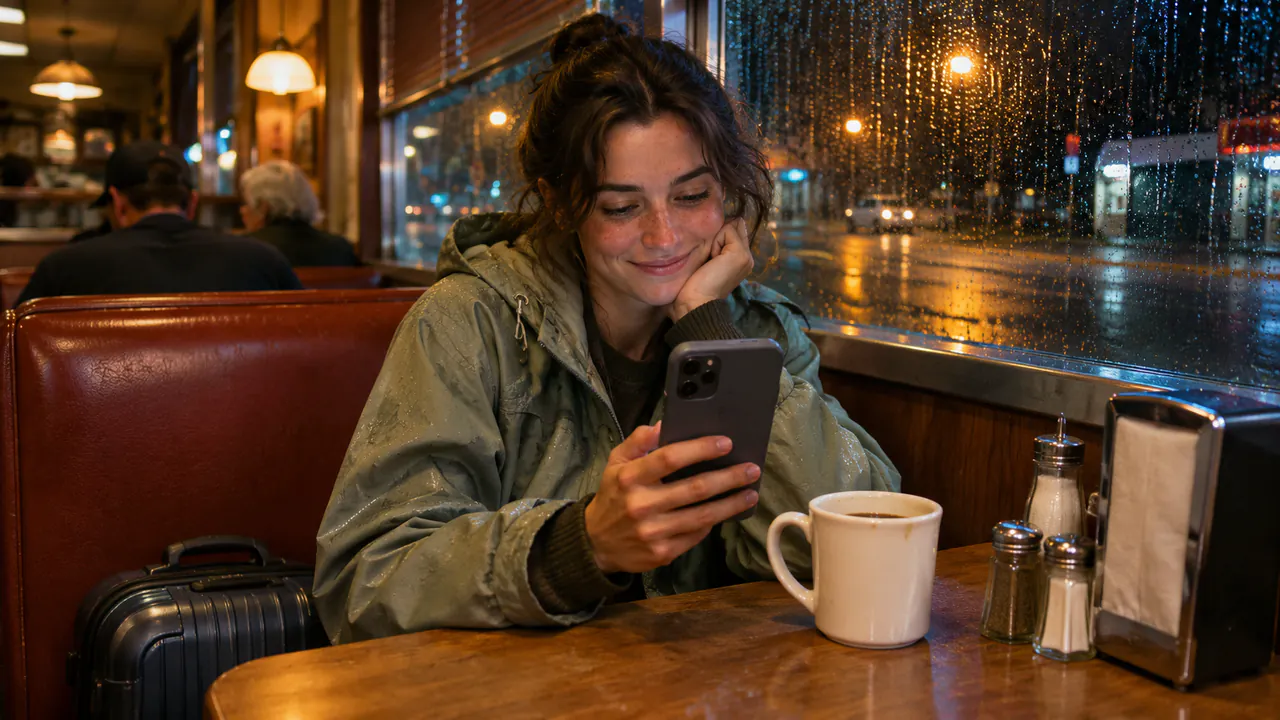
What digital gift can I send today?
A voice note or a tested e-gift card works when the day is nearly over. With 20 minutes, you can caption a few photos or send an invitation with two dates you can commit to.
If you just saw the birthday photos at 9:40 p.m., record the story of the time your friend picked you up from the airport with fries and a blanket. Say what you remember about spotting her car. You'll have that message ready before you find a gift that ships.
| Time available | What to send | What to check |
|---|---|---|
| About five minutes | A voice note or an e-gift card | Say who it's from. Check the address and how to redeem. |
| About 20 minutes | A photo story, a playlist with notes, or a choose-your-date invitation | Open the file or link on a phone with your usual account signed out. |
| About an hour or more | A group video, a recipe with a family note, or a custom song | Set aside time to review what you made. Use a voice note if you run out of time. |
Two gifts you can finish in five minutes
- Send a voice note with one good story. For your brother, tell him what you remember about the summer he taught you to drive. Start where it gets interesting. "We stalled so many times at that stop sign that the guy mowing his lawn came out to help." End by telling him what you appreciate about him today. Listen once and trim the part where you're still deciding how to begin.
- Buy an e-gift card for something they already do. Send coffee money to your friend's regular shop before their first shift at a new job, or cover the next book at their favorite bookstore. Write the reason in the card. If the seller emails the code, send a separate text saying what will arrive and who it's from. For a recipient abroad, check which country and currency the card works in before paying.
Three ideas when you have about 20 minutes
- Make a photo story about one afternoon. Send three pictures from your friend's move with a caption for each. The empty living room, the pizza box on the floor, and the mattress that finally made it up the stairs tell a story in that order. Send the photos and captions in the message if the recipient mostly reads texts.
- Make a playlist with liner notes. Pick four tracks you have a reason to send. Put the song from the rainy drive first and the one you always sang in the kitchen last. For each track, add a title, an artist, and a sentence about the memory. Include those names in your text so they can find the songs in whichever music app they use.
- Give a choose-your-date invitation. Offer two real options and offer to handle the booking. "I'll take you to Saturday breakfast or to a movie next Thursday. Pick the one that sounds better and I'll book it." For someone in another city, you could offer a pizza-and-movie call and order dinner from their usual place. Give the times in their time zone.
Three keepsakes worth a little more time
- Collect a group video around one question. Ask three people to send a clip by a specific time. "What did Jordan do that made your first week at work easier?" will give the group more to talk about than "Say something nice." Put the clearest story first and add short captions. If only one person sends a clip, share it as a personal message with your own note.
- Make a recipe keepsake. Type up the dish your aunt taught you, add one photo, and include the small instruction that never made it onto the original card. Maybe she waits until the onions start to stick before she adds the water. Send it as a PDF they can print, or put the steps in the email if they'll cook from their phone.
- Make a personalized song from a shared scene. For the friend who took everybody in after a canceled flight, tell SongHug about socks drying on the radiator and cereal at midnight. Choose a style and voice and listen to the preview. If you unlock the finished song, use Share by link and test the listening page before you text it.
Give the recipient one clear place to tap
Open the link in a private browser window on your phone. If it asks for access, check whom you invited or send a file the recipient can open from the message. For audio or video, tap Play and listen to the first few seconds. Copy the working link into the message after the check.
Text a link with a short note when they can open the whole gift from their phone. Use email for a recipe PDF or a longer letter. Give the email a subject they can find later, like "Aunt Mae's onion recipe."

A text to send with the gift
"Happy birthday, Jules. I still think about those soggy fries at the airport. I made you something from that night. Open it when you have a minute to listen."
Frequently asked questions
How do I keep an emailed gift code from looking like spam?
Text first and say which store is sending the code. If you send the email yourself, use a subject that names the occasion and add a line about why you picked that store.
Can I send a digital gift without knowing their email?
Yes. A voice note, photo story, or link that opens in a browser can go in a text. If you're buying a gift code, check whether the seller lets you copy the code yourself or send it by text.
Is an e-gift card a good last-minute gift for someone abroad?
It can be if it works where they live. Check the seller's redemption country, currency, and account requirements before paying. A personal recording is a simple alternative when you need something you can send yourself.
Can I send a personalized song the same day?
You can share it the same day if you have time to make it, review the preview, unlock the finished track, and test the recipient link. Give yourself a backup for a fixed deadline, such as a short voice message you can record directly.