How to make a QR code for a song gift
Copy the listening link, turn it into a static QR code, and put it on the card with a short note. Scan a test print on another phone and play the song before you hand it over.
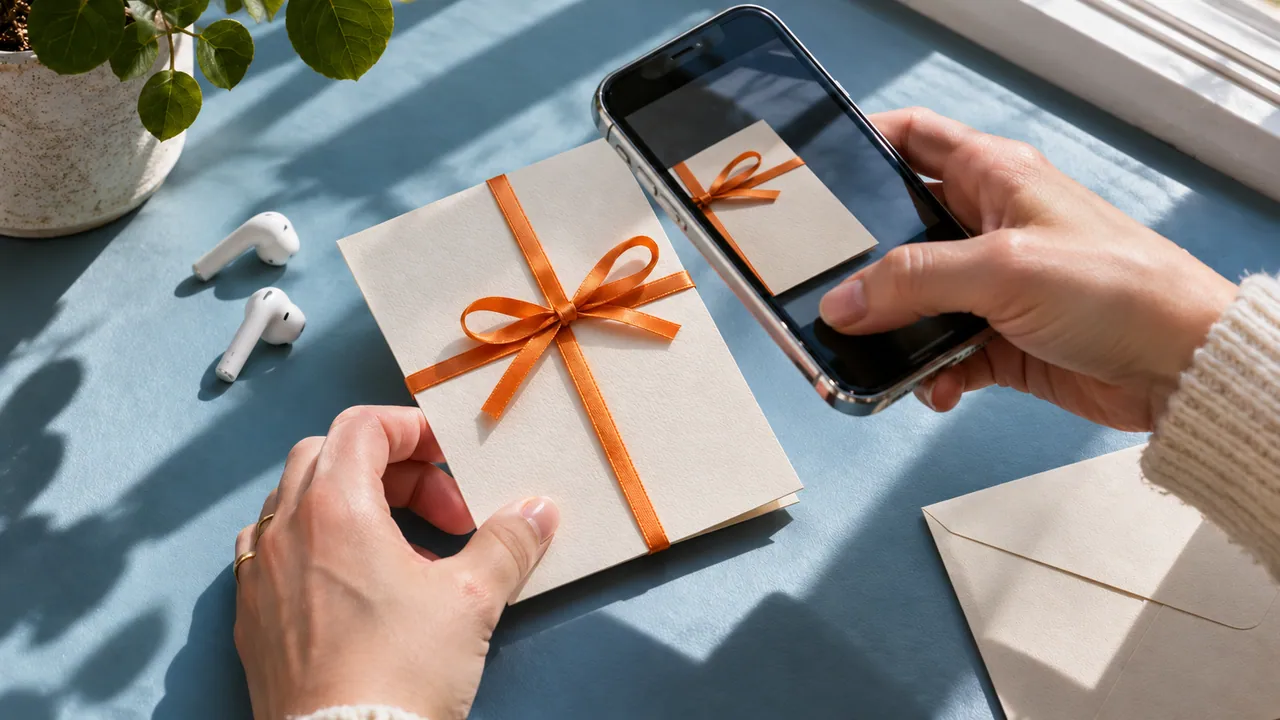
Which link should a song gift QR code open?
Use the recipient's listening link. For a SongHug gift, choose the player or postcard you want the recipient to see, then select Share by link.
Pick a musical postcard if you want a photo and note to appear when the link opens. A simple player works well when the paper card already says everything.
Paste the link into a private browser window and press Play. If you see your dashboard, an editing screen, or a sign-in that only works for you, go back and find the recipient link. A QR code opens an address, so it inherits whatever access rules that address has.
Create the QR code and print one copy to test
- Paste the complete listening link into a QR generator that offers a static code. Download its image. Static codes store the destination you give them.
- Put a dark code on a plain light background. Leave a clear border on all four sides. DENSO WAVE specifies a margin four of the code's smallest squares wide for a standard QR Code.
- Add a line that tells the recipient what will happen after the scan. Leave enough space for the code to sit flat, away from any fold or tape.
- Print a test at the final size. Scan from a second phone in ordinary light, open the page, and play the beginning. Include the listening link in a message if they'll probably open the gift on the same phone.
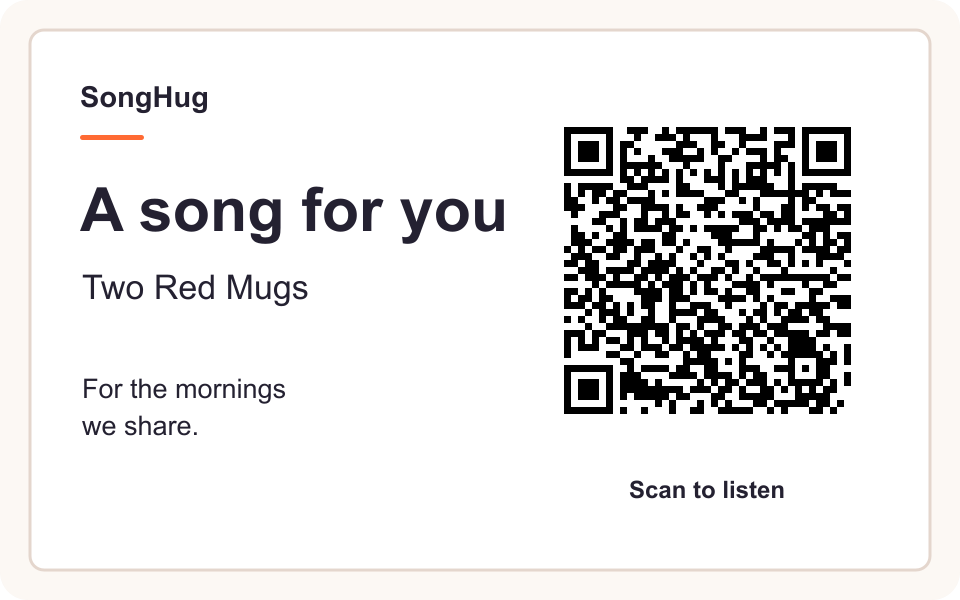
Give the recipient a reason to scan
A little handwriting can do more than a lot of decoration. Picture an envelope with a photo of two coffee mugs, a code, and one sentence about the mornings you share. The photo sets up the story and the line above the code tells the recipient what to do. They can find the rest when they press Play.
A short note for the card
"I made this about the mornings when we had the kitchen to ourselves. Scan to hear it whenever you have a quiet minute."
Check the code and the link separately if it won't play
| What happens | What to test |
|---|---|
| The camera sees nothing | Try the image on a screen. If that works, check the print size, border, glare, and folds. |
| The browser opens the wrong page | Verify the exact destination and make a new code if the original address is wrong. |
| The right page opens but the song won't play | Open the same link without scanning. Check the player, device connection, and access on another phone. |
Frequently asked questions
Can I turn an MP3 into a QR code?
Use a listening link that opens the recording. A typical gift-card QR code contains the URL, so the recipient needs access to wherever the audio is hosted.
Can I test the QR code on the same phone?
Open the link directly on that phone, then use a second device to scan the finished card. That checks both the destination and the printed code.
Will a printed song QR code expire?
A static code keeps the same URL. The gift still depends on that destination staying available and having the right access settings. Recheck it before handing over a card you printed in advance.