How to give a voice recording as a gift
Record yourself telling one shared memory, then say why you wanted the recipient to hear it. Play back the recording and send the audio as a file by text or email. Keep a copy with a recognizable name.
What should you say in a voice recording gift?
Say their name, tell one scene they can picture, and finish with what it means to you now. Give yourself about a minute for a first take. Stop when you have said the thing you called to say.
Try speaking from three prompts on a scrap of paper. Write down where you were, what they did, and why you still remember it. If you are thanking your dad for helping you settle into your first apartment, you can start with where he put the lamp. The lamp gives you a place to begin when saying thank you feels awkward.
A sample voice letter for Dad
"Hey Dad. Remember the first night in my apartment? You set a lamp on an upside-down box because the table was still in the truck."
"I thought you were about to drive home. Then you took off your coat and ordered pizza. We sat there until the delivery guy had to call because neither of us knew the door code."
"I put a lamp in that same corner when I moved again. Happy birthday. I wanted you to know why."
How do you record a voice message that sounds clear?
Use the recorder on your phone in a room with soft furniture. Set the phone down, speak at your regular volume, and play back a short test before you record the full message.
- Pick a quiet spot. Sit near a curtain or couch and turn off the fan or TV. Keep the microphone openings clear if you set the phone on a cloth. Avoid holding it while you turn pages or gesture.
- Test the hardest line to hear. Say their name and one quiet sentence, then play it back through the phone speaker. Move the phone closer if you need the volume all the way up. If loud sounds crackle, move it farther away and test again.
- Record through the pauses. Take a breath when you need one. If you lose your place, start that sentence again. Pick a clean take or trim the empty space at the beginning and end. Save the original if you plan to make an edit.
- Listen the way they will. Play it from the beginning on a phone speaker, without headphones. Check that the first word is intact and that you can hear the last sentence. Sounds like an appliance hum are easier to notice on playback than while you speak.
How do you send the recording so they can keep it?
Send a named audio file when you want the recipient to save or replay the gift. Give the file a title that will still make sense next year, such as "Dad and the first apartment, from Maya." Keep whatever extension your recorder gives the file.
On iPhone, open the recording in Voice Memos, open More Actions, and choose Share. You can choose Messages or Mail. On a Google Pixel, touch and hold the recording in Recorder and choose Share, then File and Audio. Other Android recording apps may use different labels. Look for an option to send the audio file.
| How you send it | When it works well | Check before sending |
|---|---|---|
| Audio file by text | They usually open gifts and photos from their messages. | Send the file to yourself and check that it plays from the conversation. |
| Audio file by email | You want to include a family photo or a longer note. | Play the attachment from your sent message. Use a subject they can search for later. |
| Listening link in a card | You want to give them something to unwrap or open in person. | Test the link on another phone. If access is restricted, confirm the intended recipient has permission. |
Give yourself a way to start when the words are hard
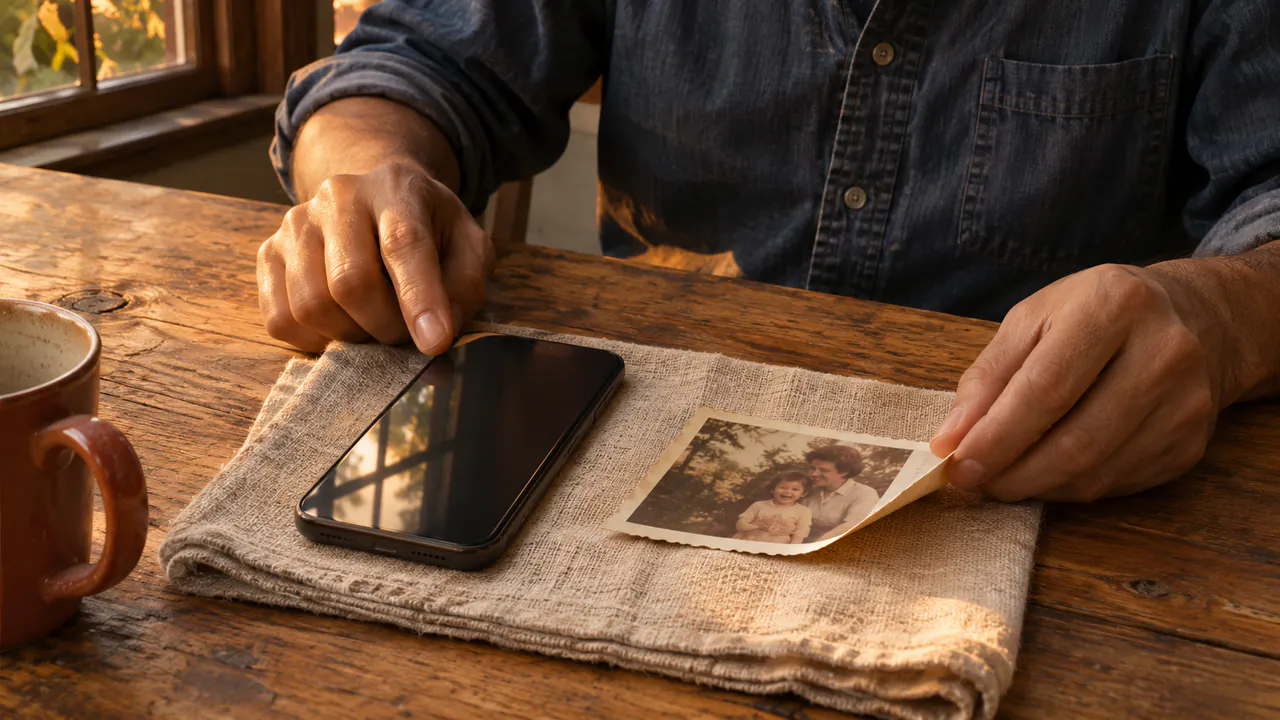
If you freeze when the recorder starts, put your phone next to a photograph and describe what is outside the frame. Maybe your aunt is the person who took the photo, and only you remember her calling everyone back because she had missed the dog. Talk to her as if she had just asked what you remember.
For a group gift, give everyone the same prompt and ask them to say their name first. "What did Ms. Ortiz do that helped you stay in the class?" gives each student something specific to answer. Send the clips with names in the order you want her to hear them. Check with the speakers before you pass their recordings around.
Add a short written note if the recipient sometimes has trouble hearing audio. Include the line you most want them to get. They can read it first and decide when they want to listen.
How do you give a voice note and a song together?
Send the voice recording as an attachment and put the song link on its own line. Say which one to open first if the recording introduces the song.
For a wedding gift, you might record a short hello from a sibling who cannot make the trip. Save the longer story for the song, then give the couple both in a private message. Try a line such as "Play my note first. The song is about the Sunday dinners that got us here."
If you make the song in SongHug, give the builder the story in writing and choose a style and voice. After you unlock the finished song, use Share by link to get the listening link. Keep your original voice recording as its own file so the recipient can save it separately.
Frequently asked questions
Can I give a voice recording without buying anything?
Yes. Use the recorder on your phone and send the audio to the recipient through an app you already use. Write a short note so they know who sent it and why.
What if the recording is too large to attach?
Make a shorter copy for the message or send a listening link to the full file. Check the link permissions before sending, particularly if the recording is meant for one person.
How do I make a voice gift from several family members?
Ask each person one question and have them say their name at the start. Send the named recordings together with a proposed listening order, or join the clips into one audio file and check the volume between speakers.
Can I put a voice recording in a physical card?
You can print a QR code that opens a listening link. Scan the printed code on another phone, press Play, and check that it reaches the recording you meant to share.